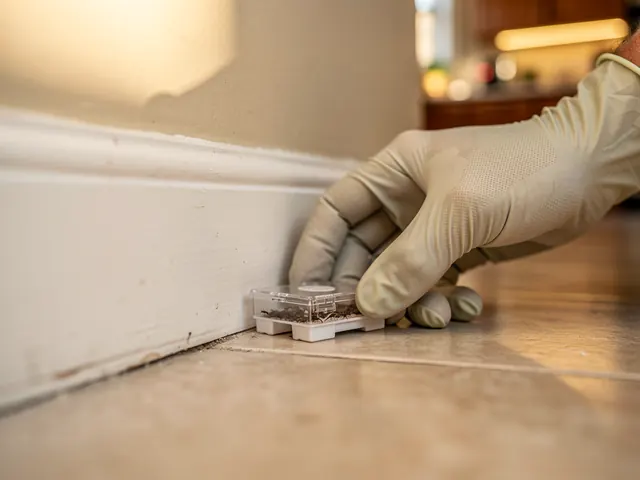
Ant Control
Ants move fast and colonies go deep. We find the source and treat it, not just the trail you can see.
For pest control
NearbyLead gives a pest control company a local website with pages for each pest and each area it serves. Recurring treatments such as quarterly perimeter sprays are laid out from plans, technicians follow optimised routes on their phones, and customers are reminded before each visit.
14-day free trial, no card. One price for every trade you do.
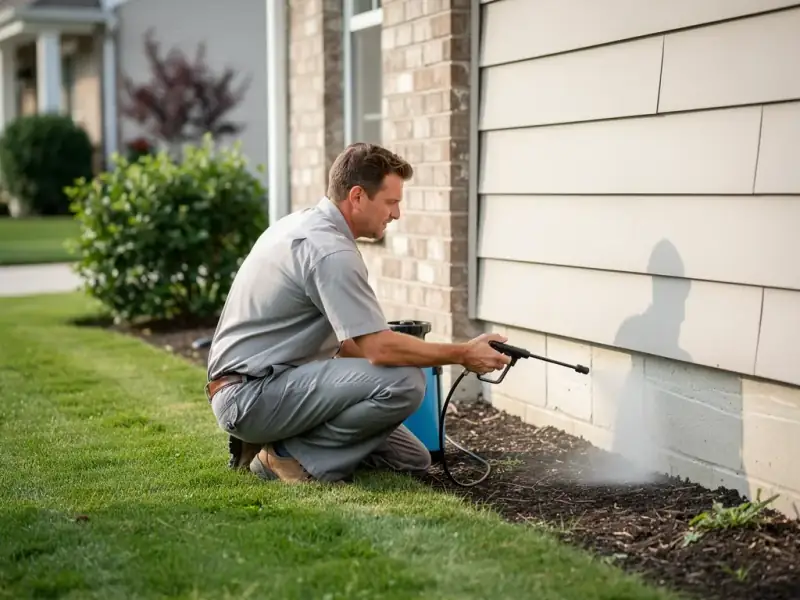
We handle bugs, rodents, and more across Hamilton, Burlington, and nearby - get a free estimate today.
From ants and cockroaches to mice and wasps, our team takes care of pest problems in Hamilton, Burlington, and Stoney Creek. We inspect, treat, and follow up so the problem actually stays gone. No guesswork, no runaround.
Ants move fast and colonies go deep. We find the source and treat it, not just the trail you can see.
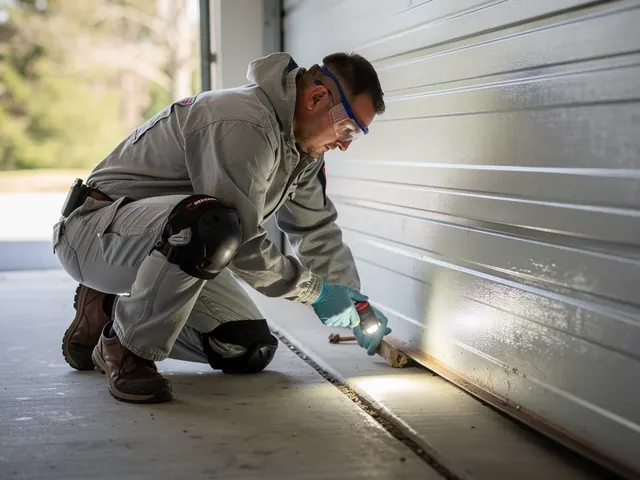
Mice and rats can damage your home and spread disease. We remove them and seal the entry points so they can't come back.
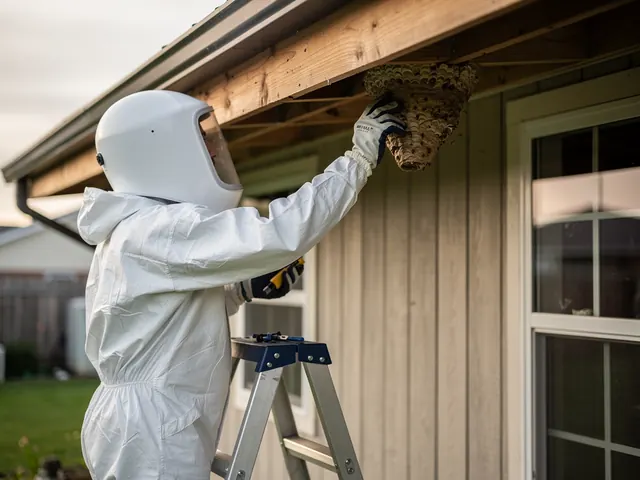
Nests in the eaves or under a deck are a real hazard. We remove them safely and check for secondary colonies nearby.
Roaches are tough and they multiply fast. We use targeted treatments that get into the cracks and crevices where they hide.
Bed bugs are notoriously hard to get rid of on your own. We do a thorough inspection and treat every affected area properly.
Most spiders are harmless, but an infestation isn't something you want to live with. We treat interior and exterior hotspots to keep them out.
We use products approved for residential use and we'll walk you through any prep steps before we arrive. Typically that means keeping kids and pets out of treated areas for a short time while things dry. We'll tell you exactly what to expect before we start.
It depends on what we're treating and which products we use. Some treatments are fine to stay for, others need a couple of hours out of the house. We'll let you know ahead of time so you can plan.
A few bugs don't always mean an infestation, but some pests - like bed bugs or cockroaches - are almost never alone. If you're seeing them regularly, or finding droppings or damage, it's worth having someone take a look. We can tell you what you're dealing with after an inspection.
It depends on the pest and the conditions in and around your home. We don't just treat what's visible - we look for entry points and conditions that attract pests in the first place. Fixing those factors is what makes the difference long-term.
A homeowner with ants in the kitchen asks for help through your ants page. You get the request by email and text.
You book the initial treatment from the lead and add notes about pets and children for the technician.
The customer signs up for a quarterly perimeter treatment. Visits are laid out from the plan.
Before each visit the customer gets a reminder and can reply to confirm, so the technician doesn't arrive to a locked gate.
People don’t search for “pest control” in the abstract. They search for the thing in their house: “carpenter ants Burlington”, “mice in walls Hamilton”, “wasp nest removal near me”. NearbyLead researches what people search for in your area and writes a page for each pest and service you handle (ants, rodents, wasps and hornets, bed bugs, spiders, perimeter treatments) plus a page for each town and neighbourhood around you.
Every page has a quote form. Requests go to your leads inbox and to your phone by email and text, with the page they came from. A message from your bed bug page tells you what you’re walking into before you call. The Launch page explains how the pages are researched and written.
Pest control earns its keep on recurring service. A homeowner who called about ants in May becomes a quarterly perimeter customer. A restaurant needs monthly visits. Each of these is a recurring plan on the customer: the service, how often, the preferred day and time, and any rules. Visits are laid out from the plan, so you’re not re-booking every quarter.
When a customer wants to move one visit, you change that visit. When they want to go from quarterly to every two months, you change the plan from a date and later visits follow. Plans can be paused or ended, and a customer can be put on call.
A technician’s day can cover ten homes spread across a region. NearbyLead groups your customers into zones by postal code and plans each technician’s month so each day stays in one zone wherever possible. Inside the day, stops are put in the order with the least driving, respecting arrival windows you’ve promised. You see each technician’s month on the board, the routes on the map, and the drive time saved before you accept. Details are on Staff & routing.
My day on their phone lists today’s stops in order with arrival windows, notes, directions and a call button. Notes cover what matters on site: pets in the yard, a child’s play area, the side gate code (shown only on the visit day, when tapped). Technicians check in and out at each stop. If nobody’s home and the gate is locked, they report it, you’re alerted, and a to-do is created to rebook.
A wasted trip to a home where nobody answers costs a technician’s time and fuel. Reminders go out before each visit by text or email, on the schedule you set. Customers can reply C to confirm or SKIP to skip the next visit, and those replies update the schedule. Texts respect consent, quiet hours on the customer’s clock and STOP. See Reminders.
Yes. Import customers and recurring schedules from a spreadsheet. A dry run shows what will be created or matched before anything is saved.
Yes. Plans can repeat weekly, every two, four or more weeks, or monthly on a set weekday. Change one visit or every visit from a date on, and pause or end a plan at any time.
Yes. Notes on the customer and the location show on each stop in My day, so the technician knows about the dog in the yard or the vegetable garden before they arrive.
They report it from the stop. You get an alert straight away, the visit is marked, and a to-do is created to rebook.
Yes. They can skip the next visit from their private customer page before your cut-off, or reply SKIP to a reminder text.
Pick what you do and where. It takes about ten seconds.