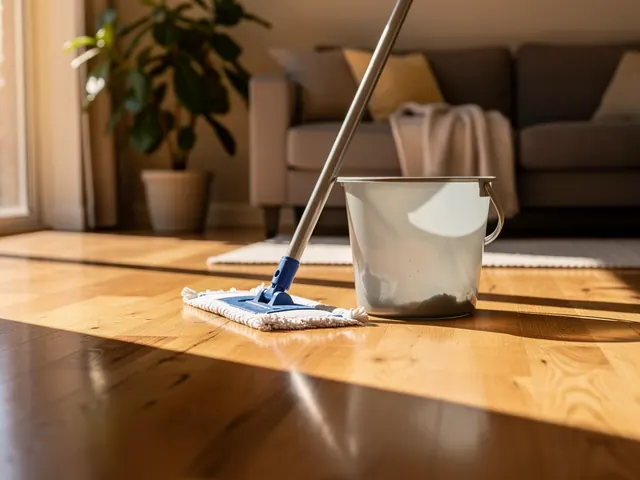
Regular House Cleaning
Weekly, bi-weekly, or monthly visits to keep your home consistently clean. We work around your schedule and clean to a routine that fits your space.
For house cleaning
NearbyLead gives a house cleaning business a local website with a quote form and a page for every area it covers. Behind it, recurring cleans are planned by area day, each cleaner gets their route on their phone, and customers are reminded before every visit.
14-day free trial, no card. One price for every trade you do.
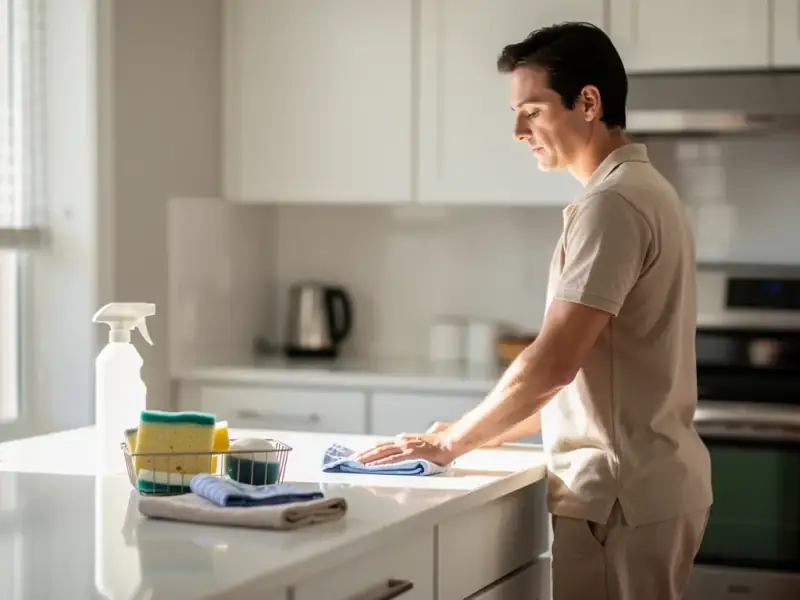
We handle house cleaning for homeowners in Hamilton, Burlington, and nearby communities. Get a free estimate today.
We offer regular and one-time house cleaning for homes across Hamilton, Burlington, and Stoney Creek. Whether it's a quick tidy-up or a top-to-bottom scrub, our team handles it. You come home to clean - simple as that.
Weekly, bi-weekly, or monthly visits to keep your home consistently clean. We work around your schedule and clean to a routine that fits your space.
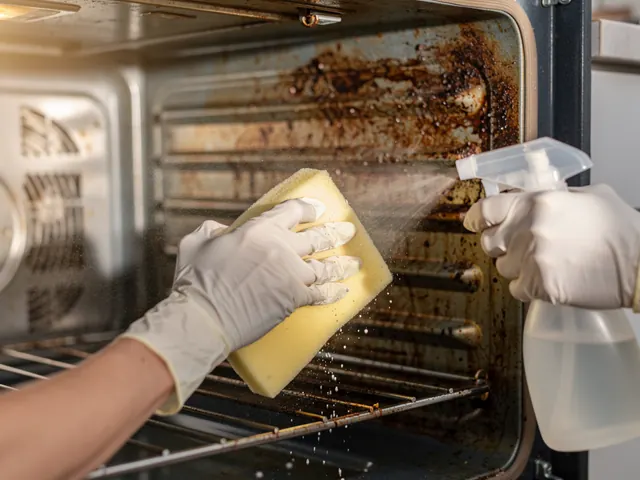
A thorough clean that goes beyond the surface. We get into the corners, scrub the grout, and hit all the spots that get overlooked during a standard clean.
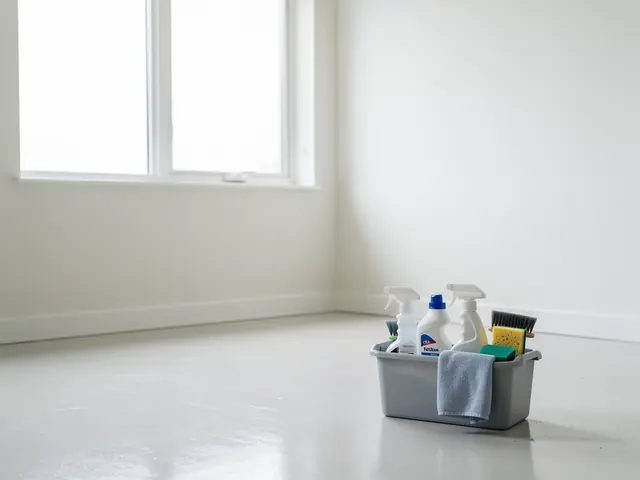
Moving is stressful enough. We'll clean the old place or prep the new one so you're not dealing with someone else's mess on top of everything else.
Renovation dust gets everywhere. We clear out the debris, wipe down every surface, and leave the space actually livable again.
We clean apartments of all sizes, from studio units to multi-bedroom suites. Great for busy renters or anyone prepping for an end-of-lease inspection.
No commitment required. Book a single visit for a special occasion, a seasonal reset, or just when things have gotten a little out of hand.
Nope. Lots of our clients give us access and carry on with their day. If you'd rather be home, that works too. Either way, we treat your space with care.
Yes, we bring everything we need. If you have a product you prefer us to use - or one you'd rather we avoid - just let us know and we'll work with that.
A regular clean covers the everyday stuff: surfaces, floors, bathrooms, kitchen. A deep clean goes further - inside appliances, baseboards, behind furniture. It's a good starting point if it's been a while.
Just reach out and tell us a bit about your home - size, type of clean, and how often you'd like service. We'll put together a clear quote with no surprises.
Someone in a nearby neighbourhood asks for a biweekly clean. You get an email and a text with their address and what they asked for.
Every two weeks on Thursdays, mornings preferred, with inside-the-fridge as an add-on every fourth visit. Visits are laid out from the plan.
Thursdays stay in that customer's part of town, and the stops are put in the order with the least driving.
Your cleaner sees the stop on My day with access notes on the day. The customer gets a reminder and can reply to confirm or skip.
People looking for a cleaner search for their own neighbourhood, not just the city. “House cleaning near Westdale” or “biweekly cleaning Stoney Creek” are the searches that turn into regular customers. NearbyLead researches the areas around you and writes a page for each one, plus a page for each kind of clean you offer: standard recurring cleans, deep cleans, move-in and move-out cleans, and anything else you do.
Every page carries a short quote form. A request goes straight to your leads inbox and to your phone by email and text, with the page the person was reading when they asked. That tells you whether they came in for a move-out clean or a weekly service before you call back. You can read more about how the site is built on the Launch page.
A cleaning company lives on its recurring customers, and every one of them has a pattern. Some want every two weeks on a Thursday. Some want every four weeks with the fridge done each time. Some want the same cleaner every visit and never on a Friday.
In NearbyLead each customer has a recurring plan that holds all of this. Visits are laid out from the plan, so you are not re-entering bookings every month. When a customer asks to move one clean, you change that visit only. When they want to switch from weekly to every two weeks from next month, you change the plan from that date and the visits after it follow.
Preferences are recorded as rules. A hard rule, like “never on Fridays”, is never broken by the planner. A soft one, like “mornings preferred”, is followed where the day allows.
Driving is the hidden cost of residential cleaning. A team that crosses the city three times a day loses an hour of paid time and arrives late. NearbyLead splits your service area into zones by postal code and plans each cleaner’s month so that each day stays in one zone wherever the plans allow. Inside the day, stops are ordered to cut drive time. You review the result on the month board, drag anything you want to change, and publish. The Staff & routing page explains the planning in more detail.
Each cleaner opens My day on their phone. It lists today’s homes in order with the arrival window, the notes you’ve left, a directions button and a call button. Door and alarm codes stay hidden until they tap, on the day of the visit only. They check in when they arrive and check out when they leave, so you know a clean happened without a phone call. If they’re locked out, they report it from the stop and you’re alerted straight away, with a to-do to rebook.
The evening before, each cleaner gets tomorrow’s route by text or email, so nobody has to ask where they’re going.
Confirmations and reminders go out on the schedule you set, by text or email, based on what each customer agreed to. A customer can reply C to confirm or SKIP to skip their next clean, and UNDO within two hours if they change their mind. Texts never go out at night on the customer’s clock, and anyone who replies STOP stops getting texts straight away. See the Reminders page for the full list.
Yes. If your customers and schedule live in a spreadsheet, you can import them. A dry run shows what will be created and what will be matched to existing records before anything is saved, so you can fix a column and try again without making a mess.
Yes. Plans can be weekly, every two weeks, every four weeks or monthly on a set weekday. Add-ons such as inside the oven can run on their own rhythm, and you can change one visit or every visit from a date on.
Access details are stored encrypted. They are shown only to the cleaner assigned to that home, and only on the day of the visit, when they tap to reveal them.
Yes. Each customer gets a private page where they can see upcoming visits and skip the next one before your cut-off. They can also reply SKIP to a reminder text. You see every change.
No. My day runs in the phone's browser and can be added to the home screen. It keeps the day's route when the signal drops and sends check-ins when it comes back.
No. Pricing is per plan, never per trade. Add every service you offer to the same site and schedule at the same price.
Pick what you do and where. It takes about ten seconds.