Product tour
From a new lead to a reminded customer, in six screens
These are real NearbyLead screens from a fictional demo business. Click the lime dot, or use the arrow keys.
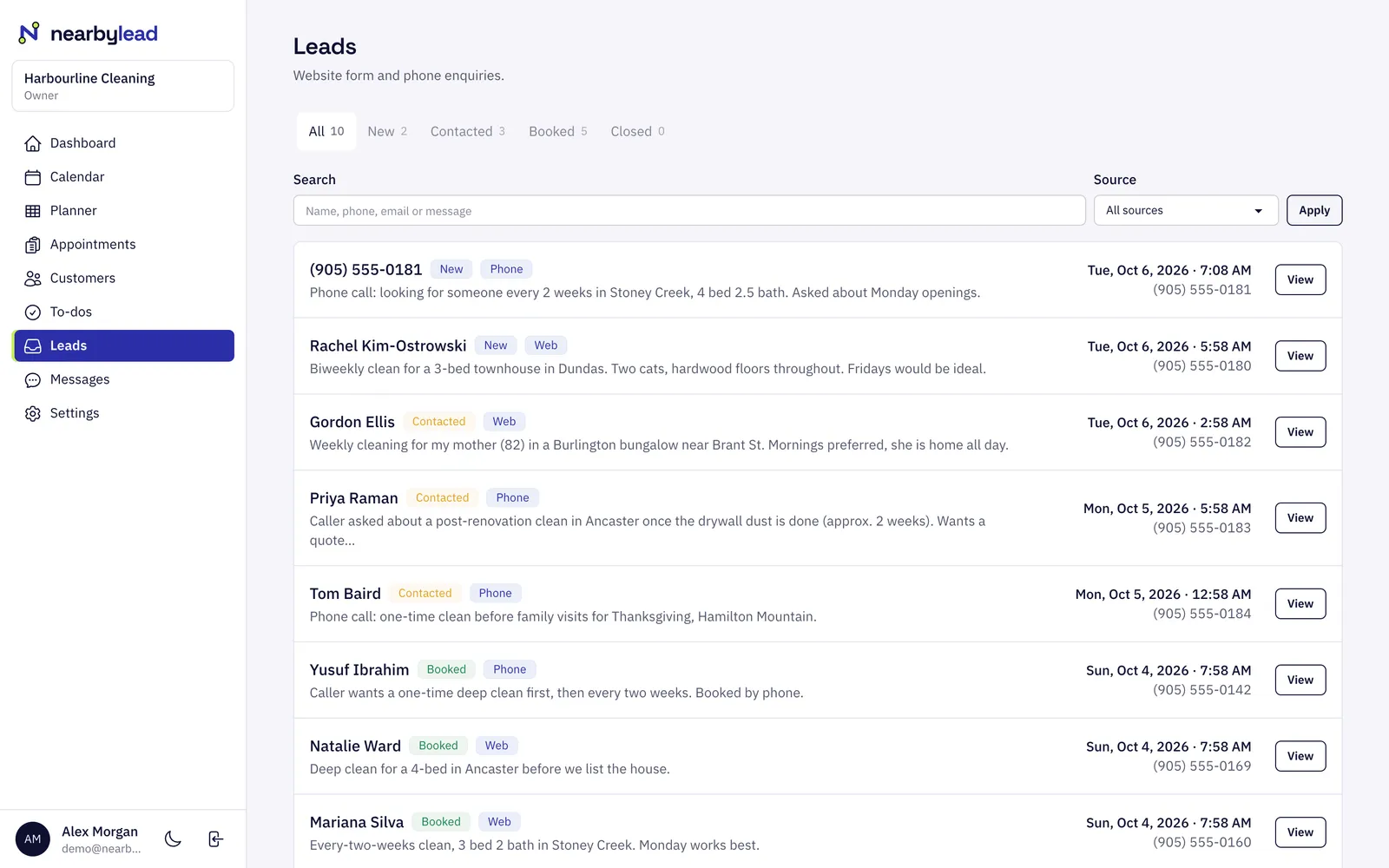
Someone fills in the quote form on your site. The request lands in your leads inbox, labelled by source, with the page they were reading.
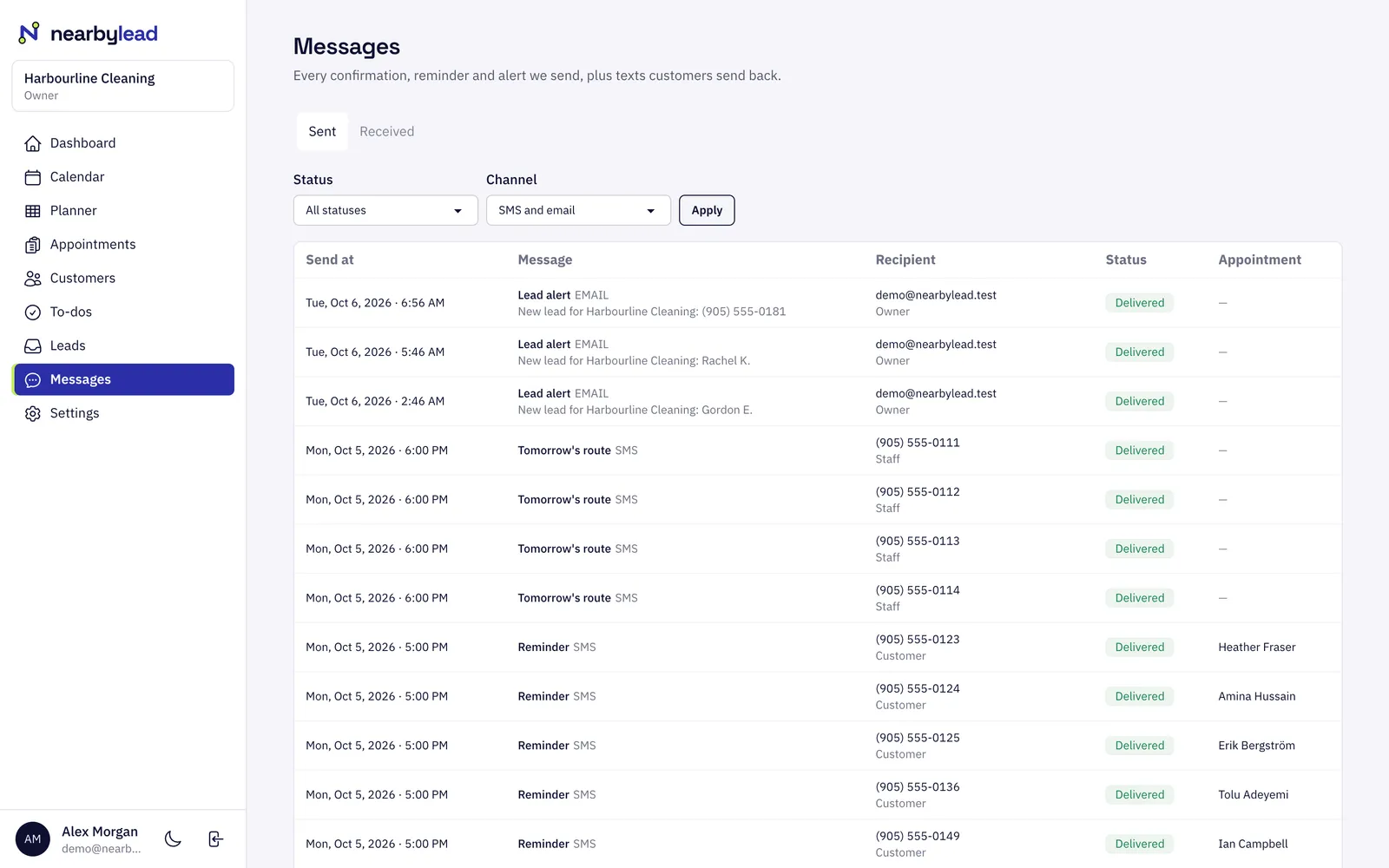
The same moment, you get the lead by text and email with their name, number and what they asked for, so you can call back while they are still choosing.
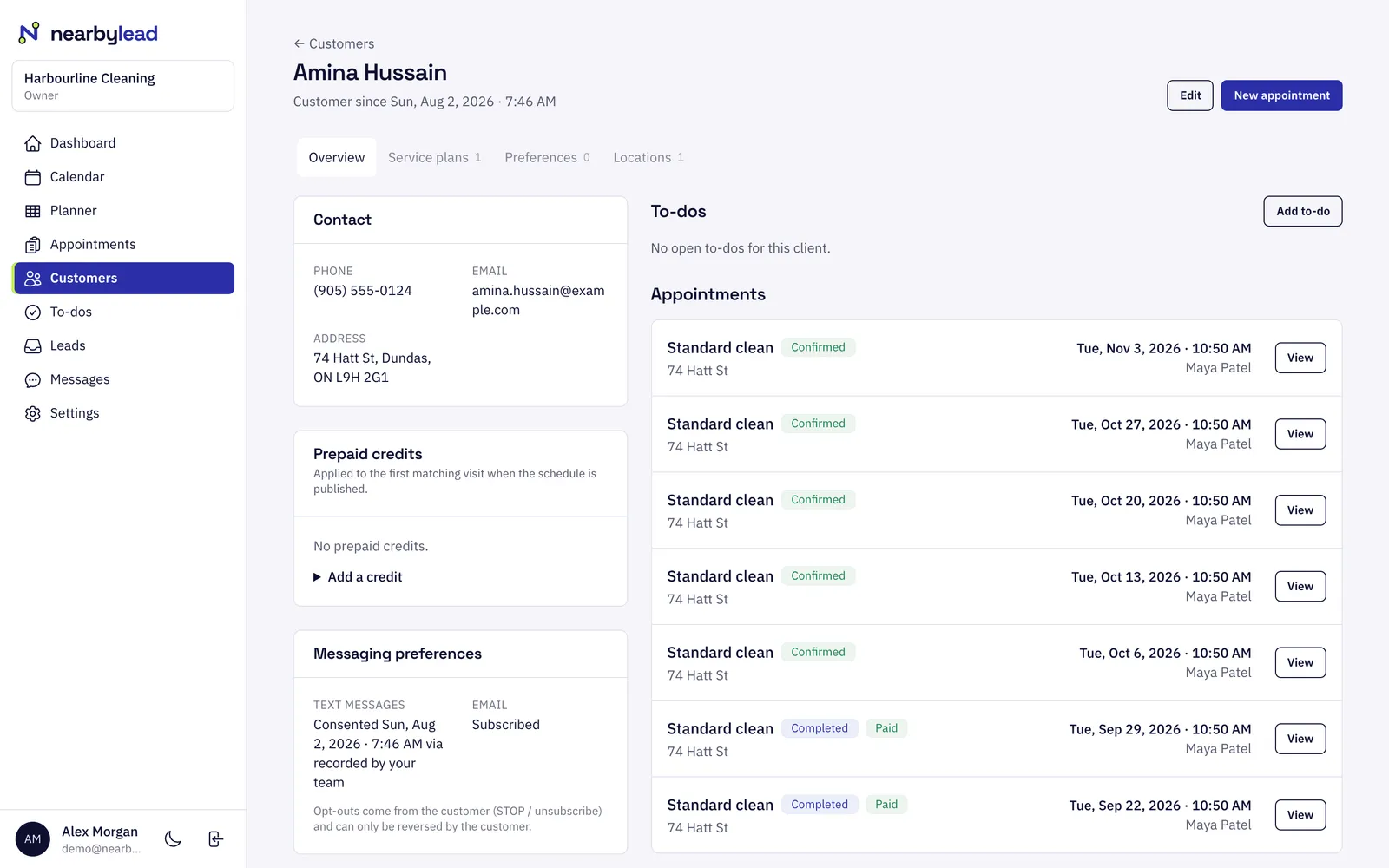
Book the visit from the lead. A regular customer gets a recurring plan, such as every two weeks on Thursdays, and the visits are laid out for you.
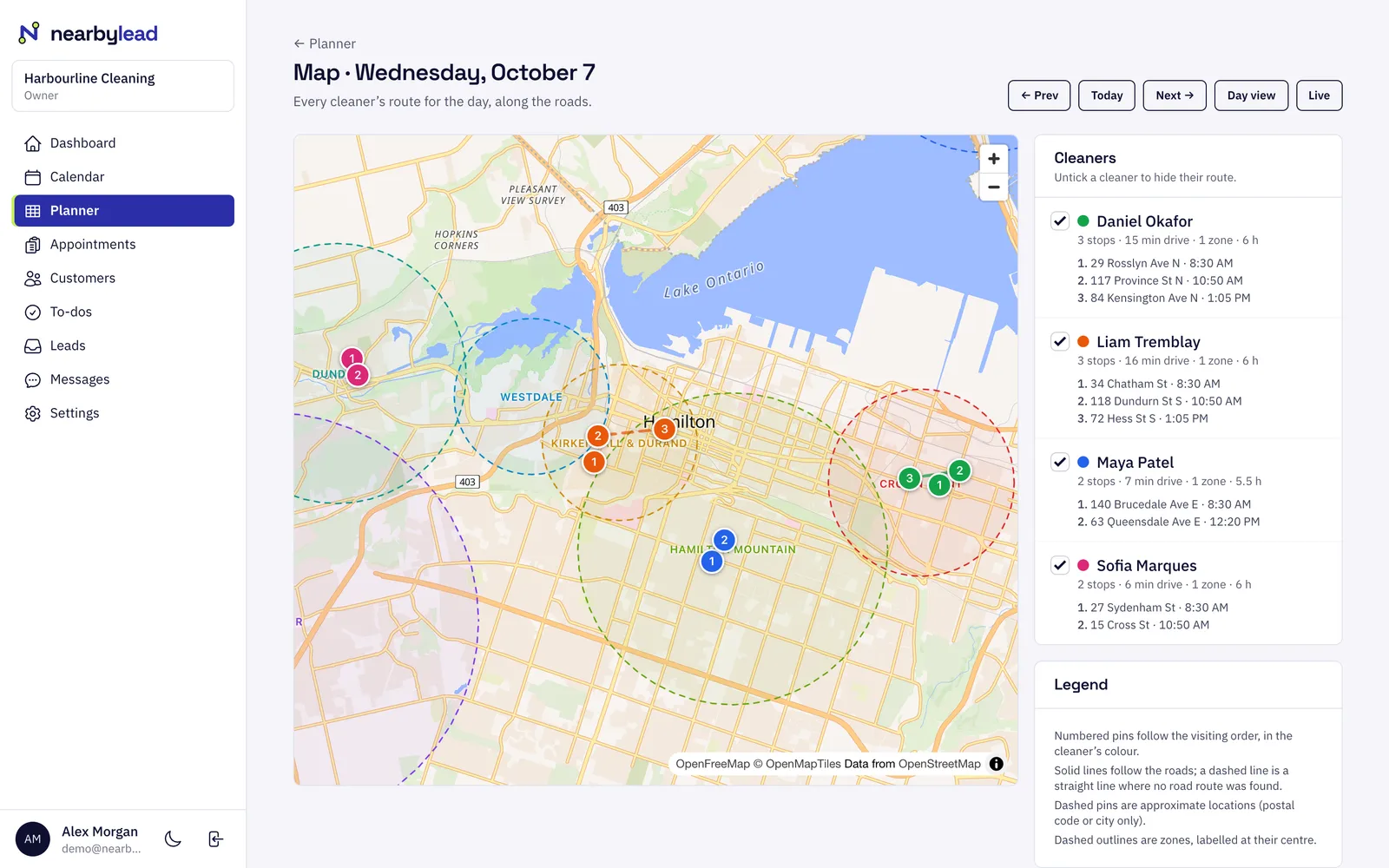
The visit is placed on the right person's day in the right area, and stops are ordered to cut driving. Everyone's route is on one map.
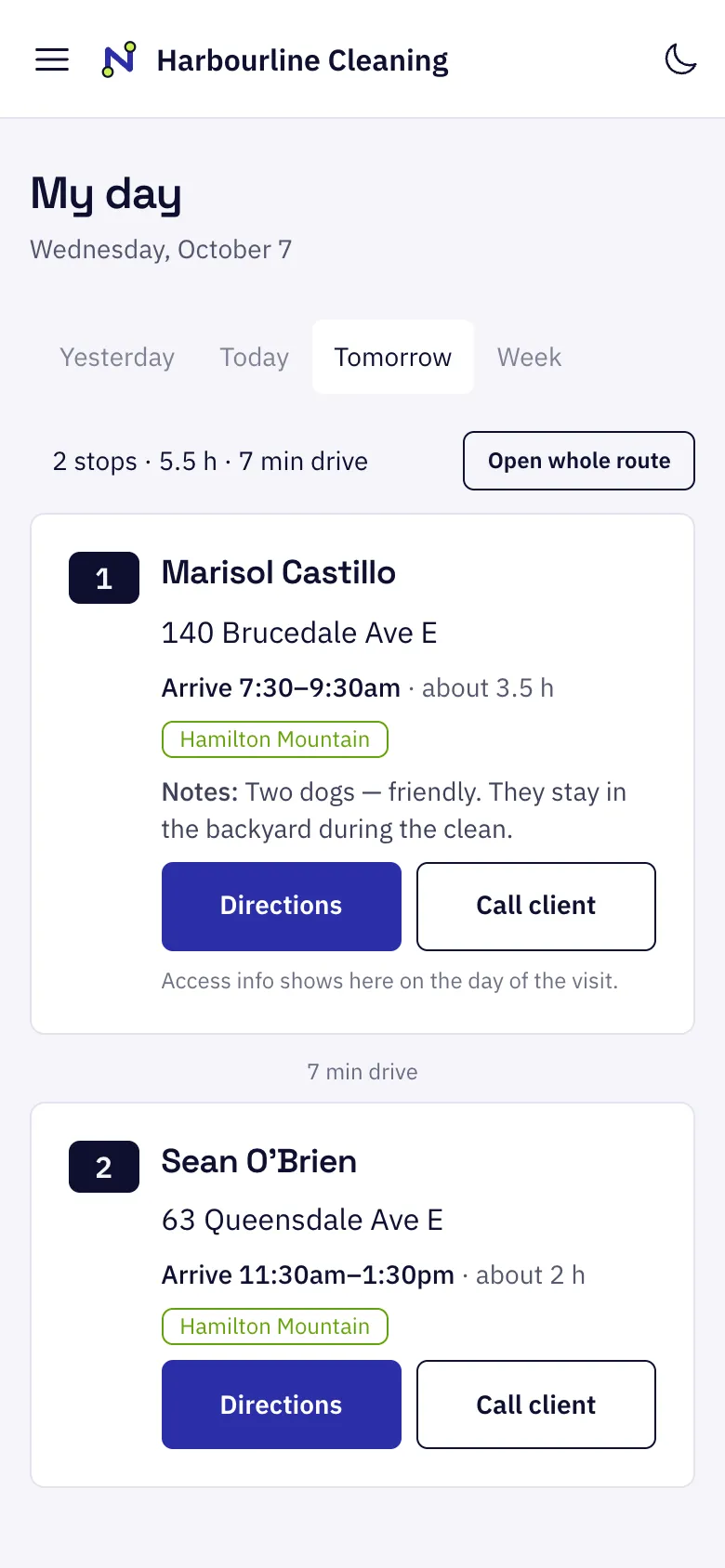
Your crew see today's stops in order on their phone with notes and directions. They check in and out, and it still works with a weak signal.
Before each visit the customer gets a reminder by text or email. They can reply to confirm or skip, and every reply is logged.
Now see it with your trade and city.
Pick what you do and where you work. Your site preview takes about ten seconds.