Confirmations and reminders on your schedule
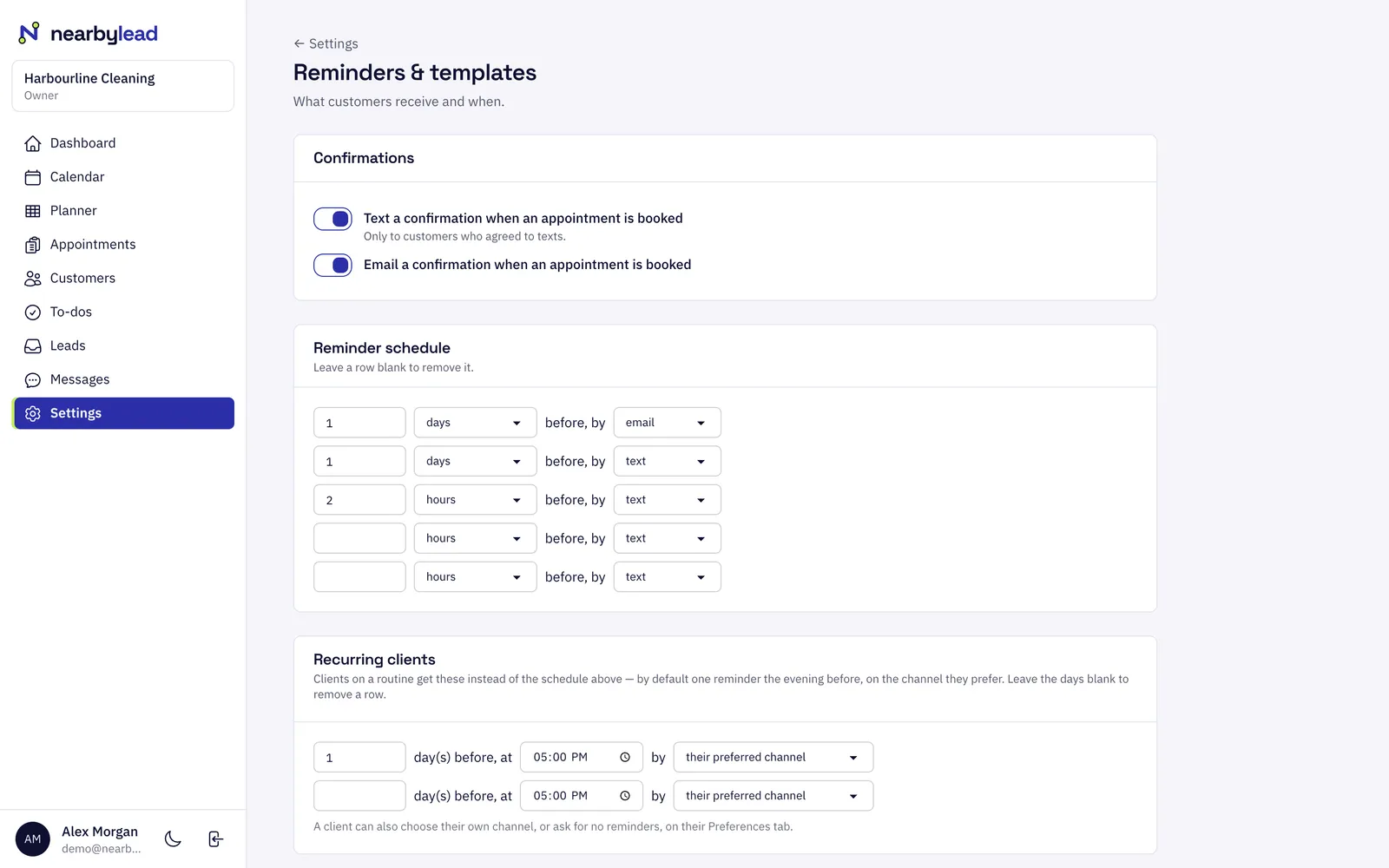
Choose when reminders go out, such as a day before by email and two hours before by text. Customers on a routine can get one reminder the evening before instead.
Reminders
NearbyLead confirms bookings and reminds customers before each visit by text or email, on a schedule you set. Customers can reply to confirm, skip or reschedule. Texts respect consent, STOP and quiet hours, and your crew get tomorrow's route the evening before.
Choose when reminders go out, such as a day before by email and two hours before by text. Customers on a routine can get one reminder the evening before instead.
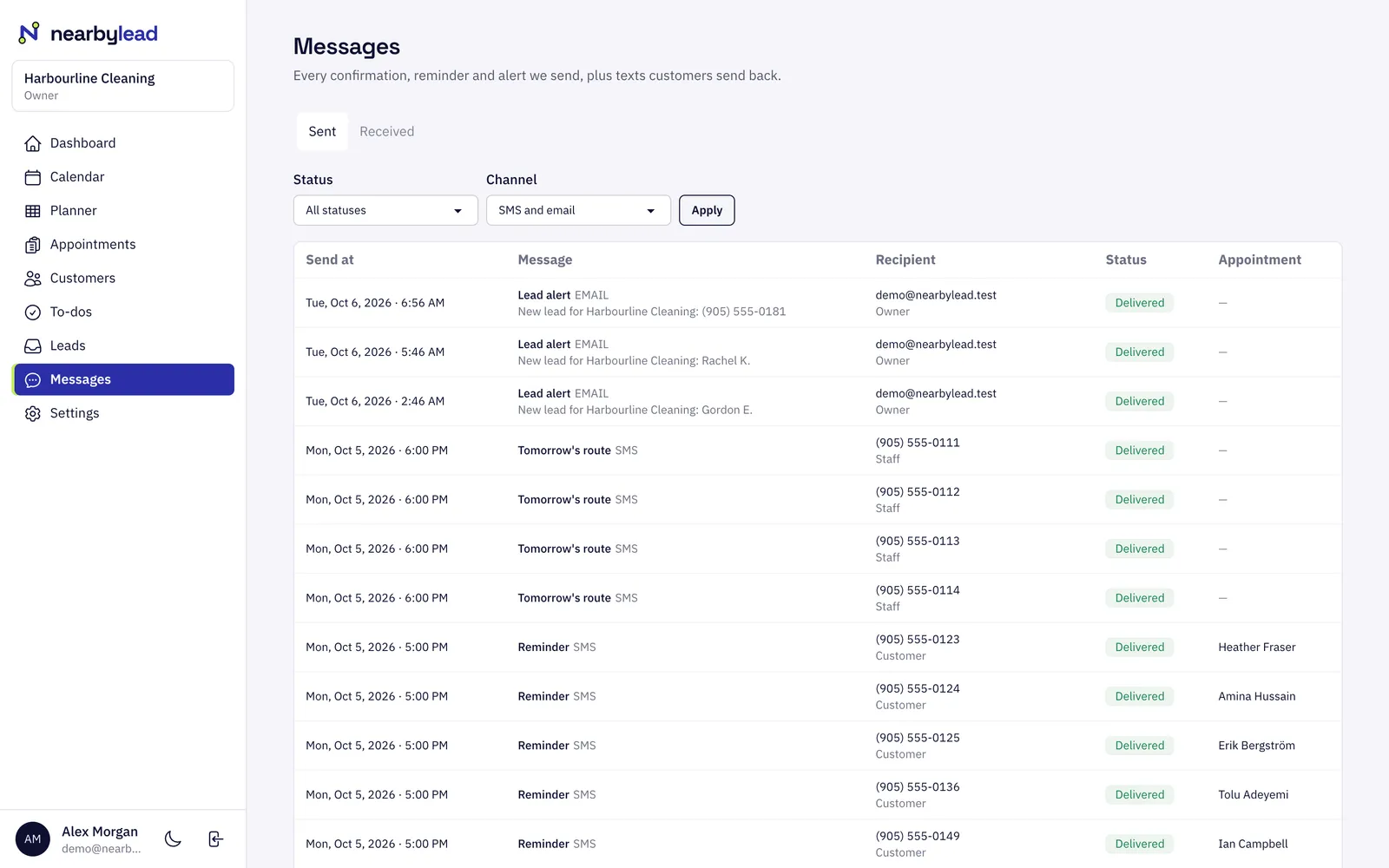
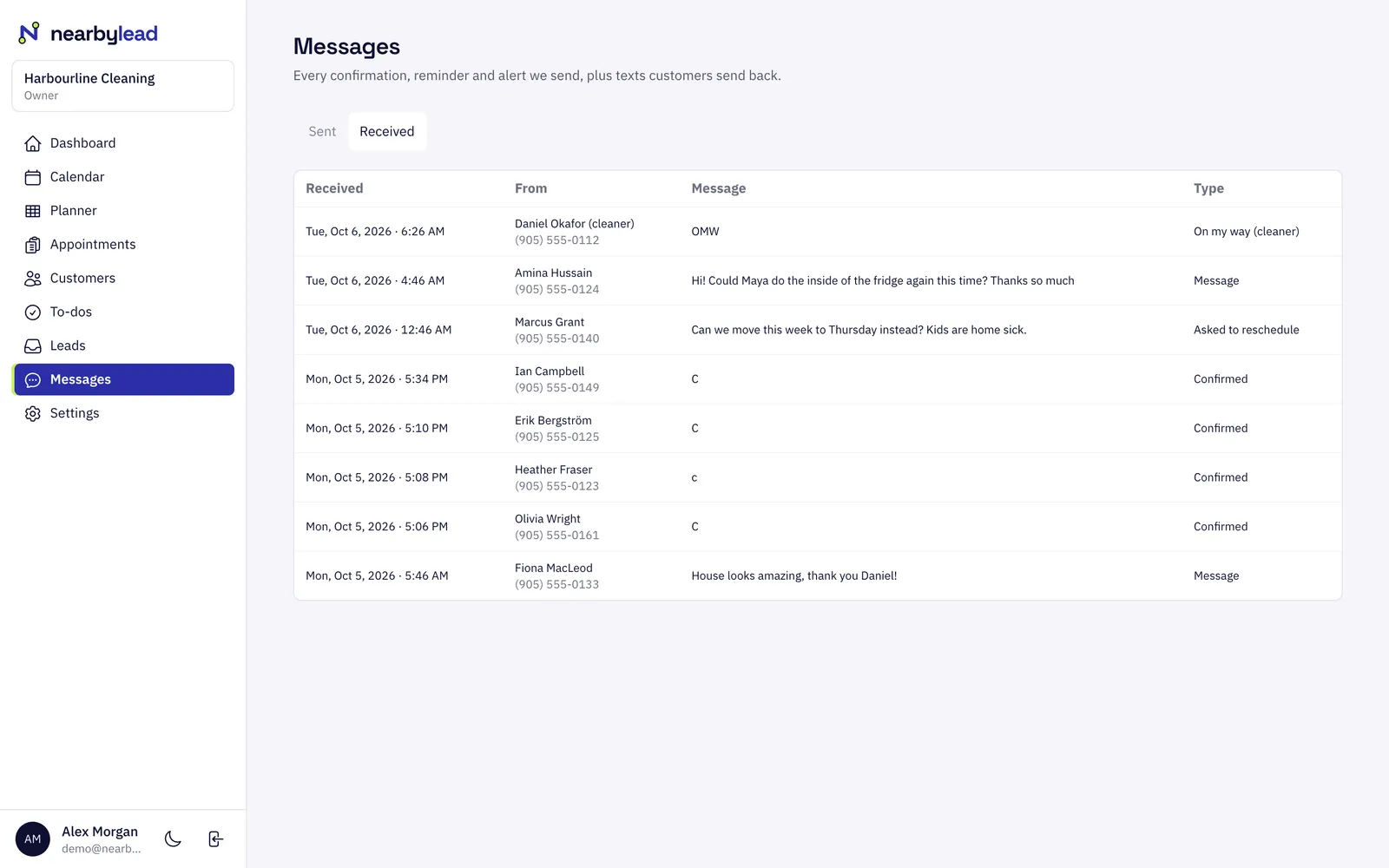
Customers can reply C to confirm, SKIP to skip their next visit, UNDO within two hours, or RESUME to restart. Anything else is passed to you, and every reply shows up under Messages.
When an arrival window moves, a different person is assigned, or a customer skips or pauses, they get one clear message about it instead of a stream of cancellations.
Each person gets tomorrow's route the evening before, and changes on the day reach them straight away.
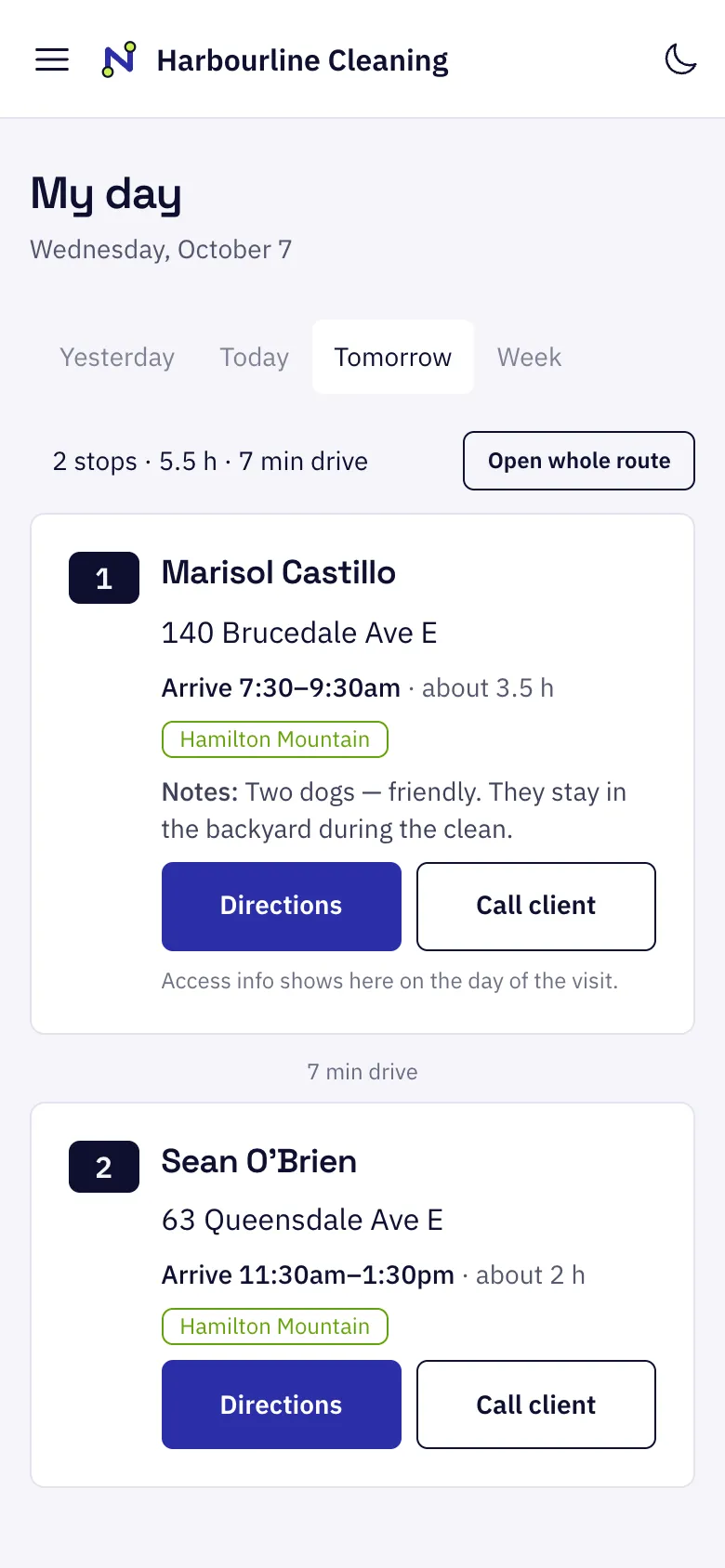
Pick when confirmations and reminders go out, and by text or email.
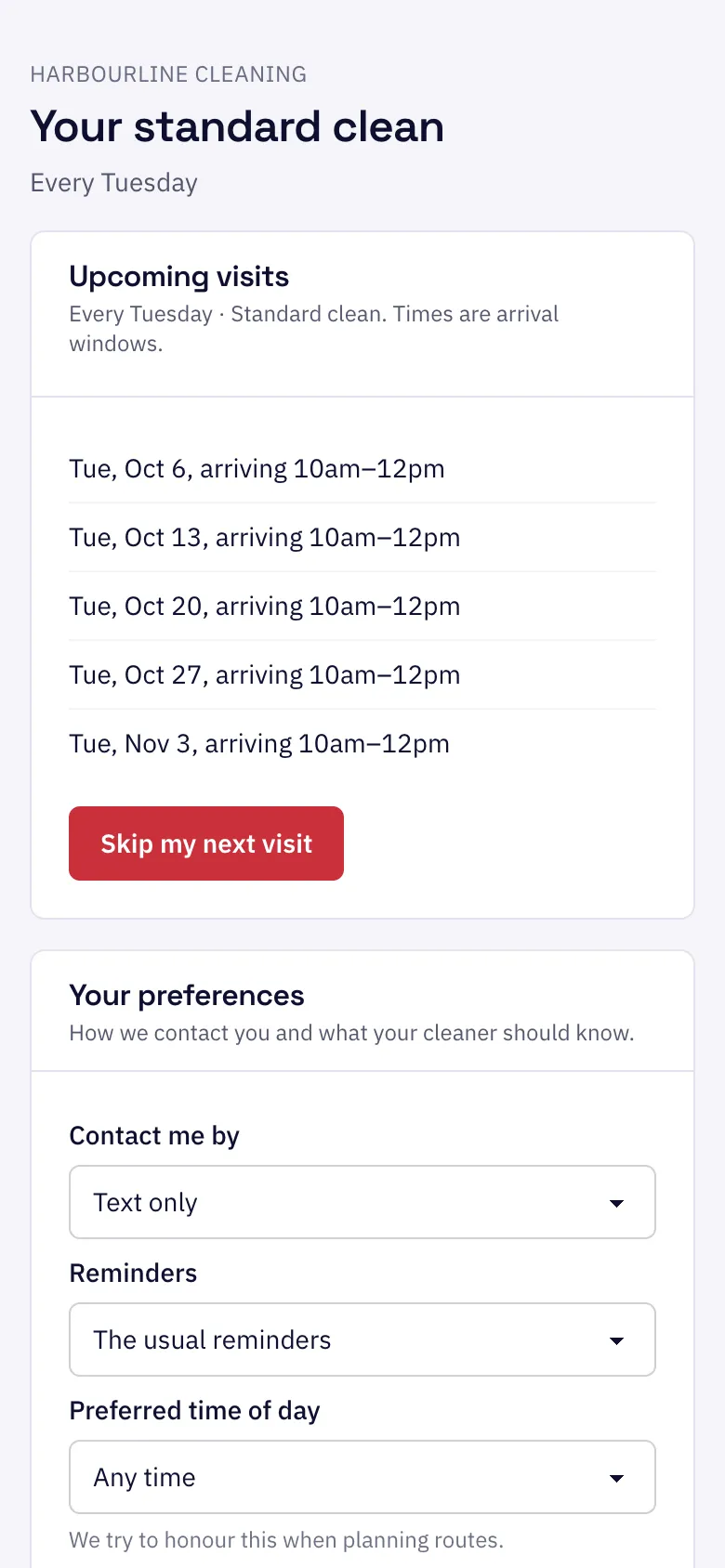
Each customer's preferences and text consent are recorded on their page.
Every message is logged under Messages, with its delivery status.
Yes. Texts go only to customers who agreed to receive them. Their consent is recorded with how and when they gave it. Customers without consent get emails instead.
They stop getting texts straight away and their record shows they opted out. They can reply START to opt back in. Emails still reach them unless they unsubscribe there too.
No. Texts wait for a reasonable hour on the customer's own clock, worked out from their address, and go out in the morning instead.
Each plan includes a monthly text allowance. Near the limit, routine reminders switch to email so must-reach messages like cancellations still go by text. We email you at 80% and 100%.
Customers
Customers
Customers in NearbyLead hold everything you need to serve them well.
Staff & routing
Staff & routing
NearbyLead plans each person's month so that every day stays in one area of town, then orders the stops to cut drive time.
Leads
Leads
The leads inbox collects every quote request from your website and every enquiry taken over the phone.
Pick what you do and where. It takes about ten seconds.