One list for every way people reach you
Website quote forms and phone enquiries land in the same inbox, labelled by source and filtered by status: new, contacted, booked or closed. Texts to your business number reach you under Messages.
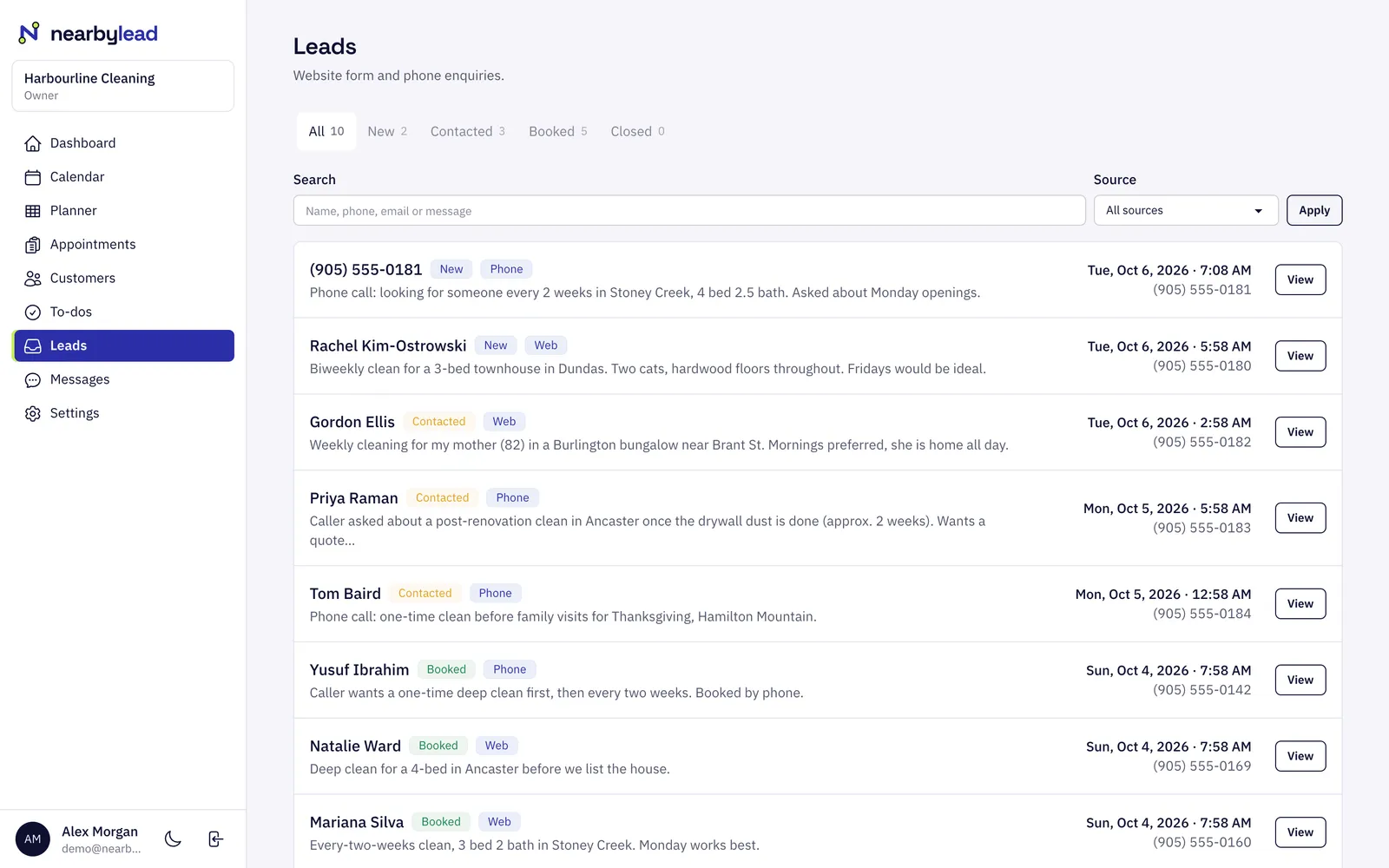
Leads
The leads inbox collects every quote request from your website and every enquiry taken over the phone. You get an email and a text the moment one arrives, see which page it came from, and book it straight onto the schedule.
Website quote forms and phone enquiries land in the same inbox, labelled by source and filtered by status: new, contacted, booked or closed. Texts to your business number reach you under Messages.
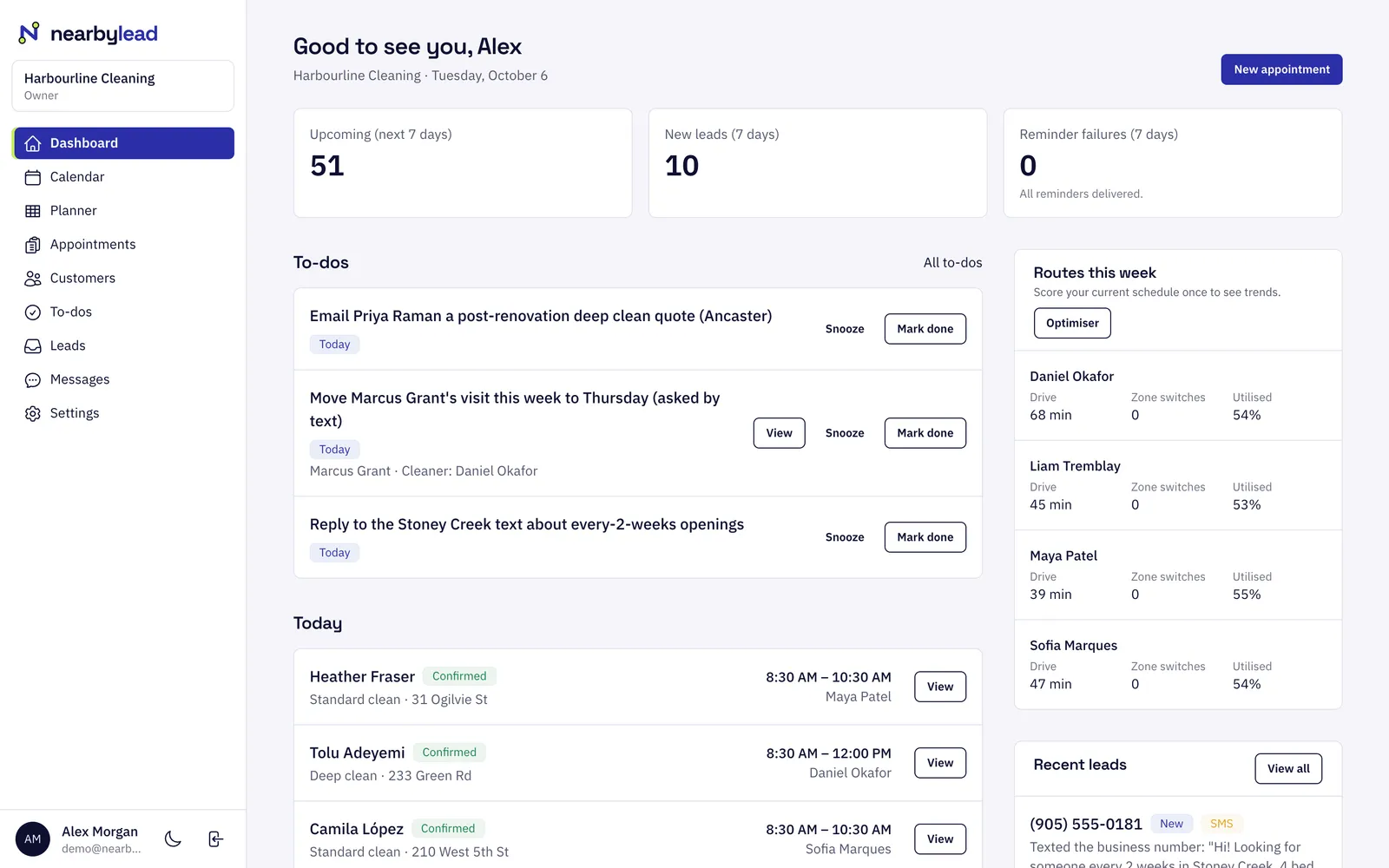
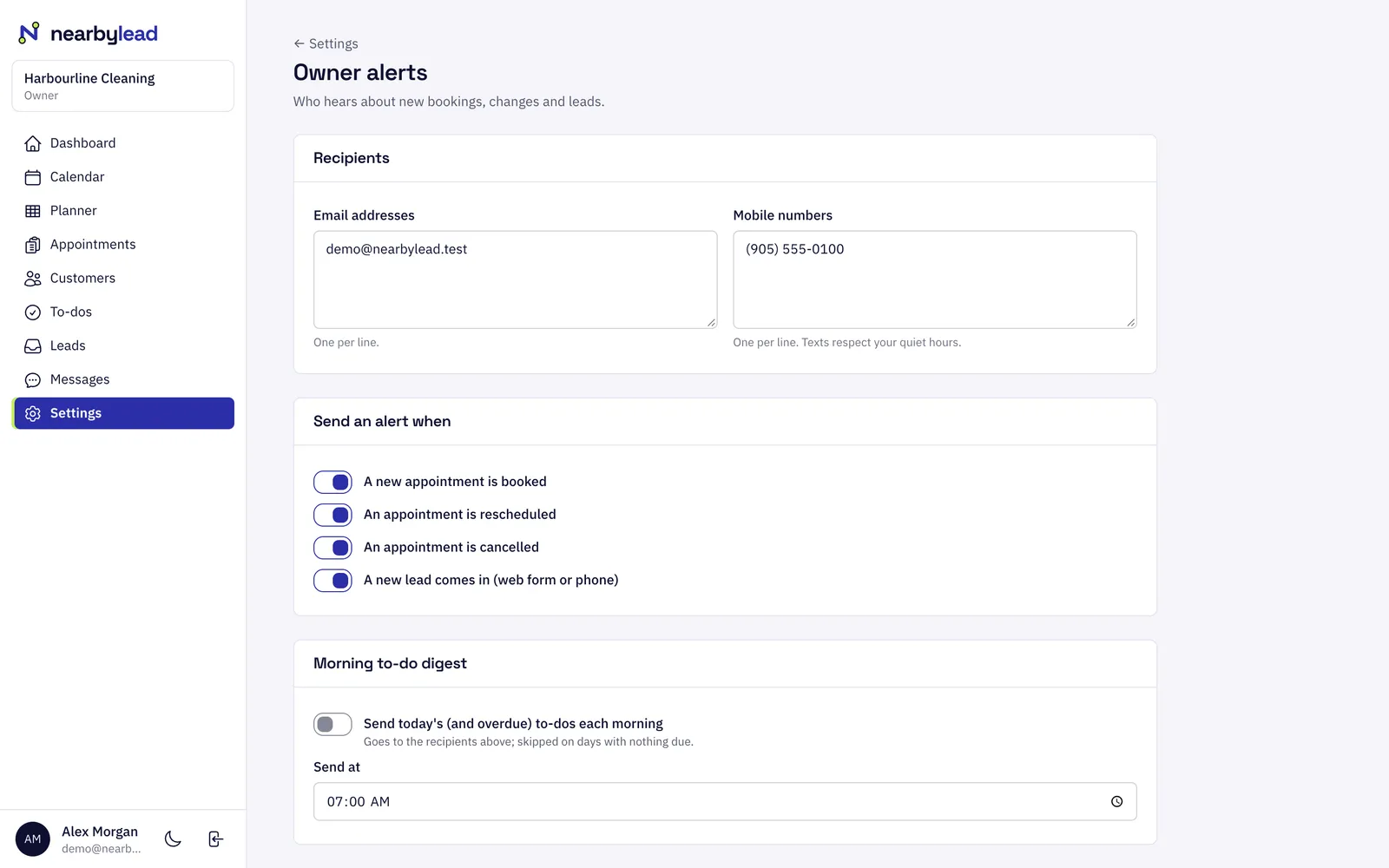
New leads, from the web form or the phone, are emailed and texted to you and anyone else you add, with the name, number and what they asked for, so you can call back while they're still choosing.
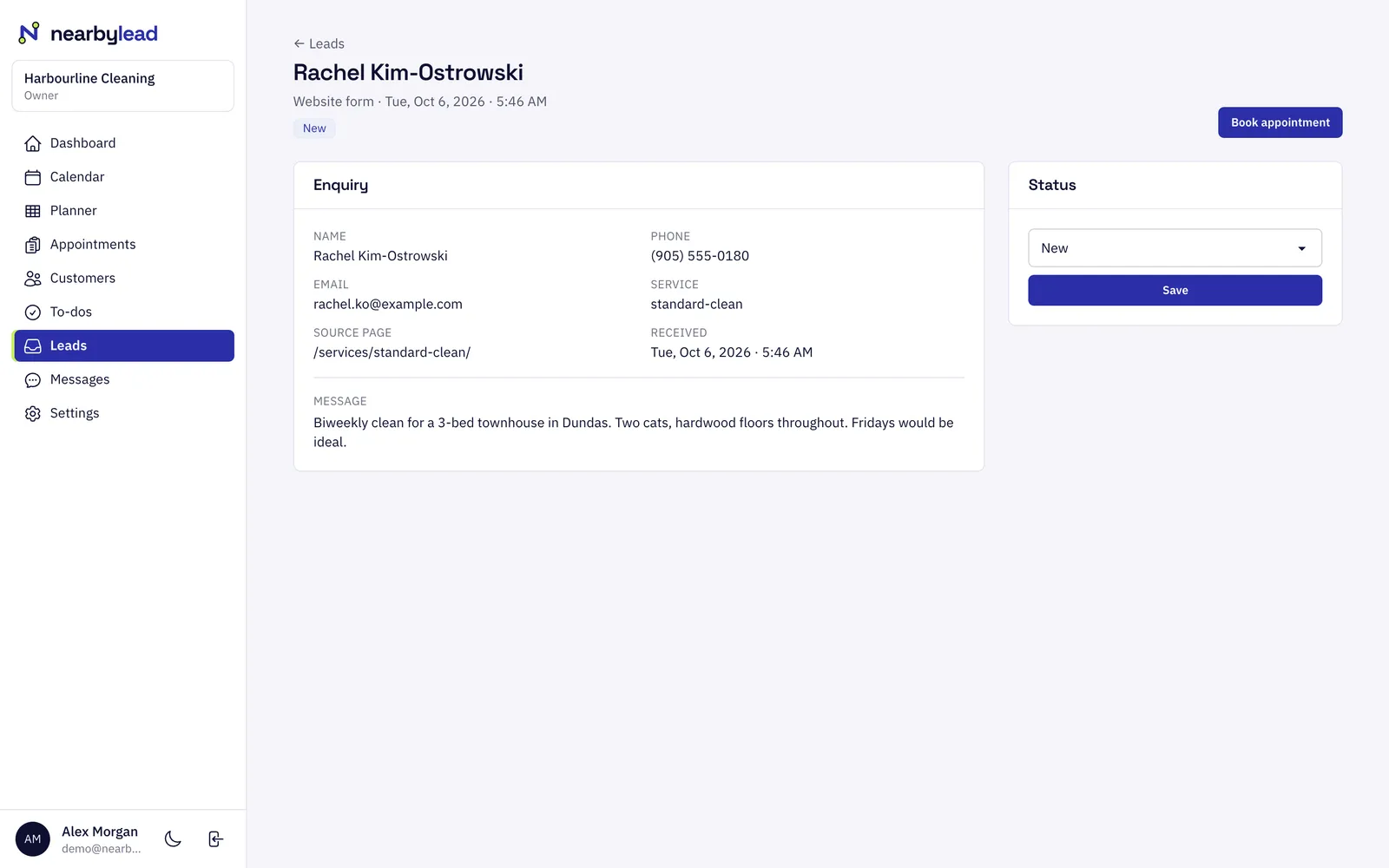
Each lead shows the full request, the service they picked and the page they were on when they asked. Book an appointment from the lead in one step.
They fill in the form on your site, call your number or text it.
The lead lands in your inbox and you get an email and a text with the details.
Call them back, update the status, and book the visit from the lead.
You choose. Add the email addresses and mobile numbers that should hear about new leads in Settings → Notifications. Everyone on the list gets each new lead by email, and by text where a number is set.
Yes. Enquiries taken over the phone are recorded as leads alongside website requests, labelled by source so you can see where your work comes from. Texts to your business number are forwarded to you and listed under Messages.
Yes. Each website lead shows the page the visitor was on when they sent the request, such as a particular service or area page.
Pick what you do and where. It takes about ten seconds.