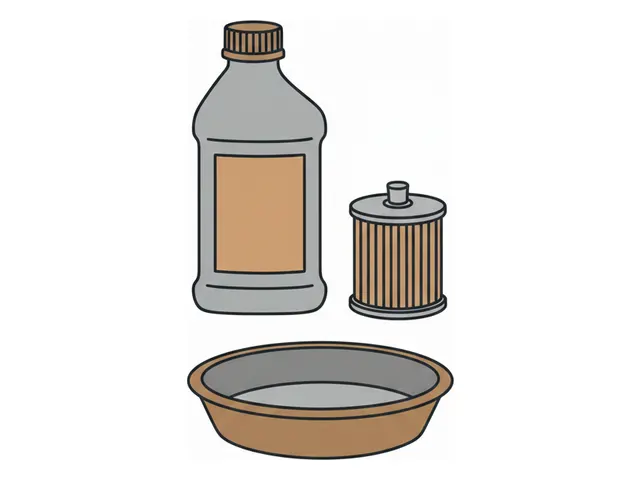
Oil change
We come to you and swap out your oil and filter on the spot. It's one of the easiest ways to keep your engine running well, and you don't have to leave your driveway.
Learn more about Oil change →
For mobile mechanic
NearbyLead gives a mobile mechanic a local website with a page for each repair you do at the customer's door and each town you drive to. Bookings arrive with the vehicle type, whether it starts and where it's parked, and your day is laid out as a route in driving order. Customers are reminded before you pull up, and you invoice through your own Stripe account.
14-day free trial, no card. Includes a free custom domain like yourbusiness.com when you subscribe. One price for every trade you do.
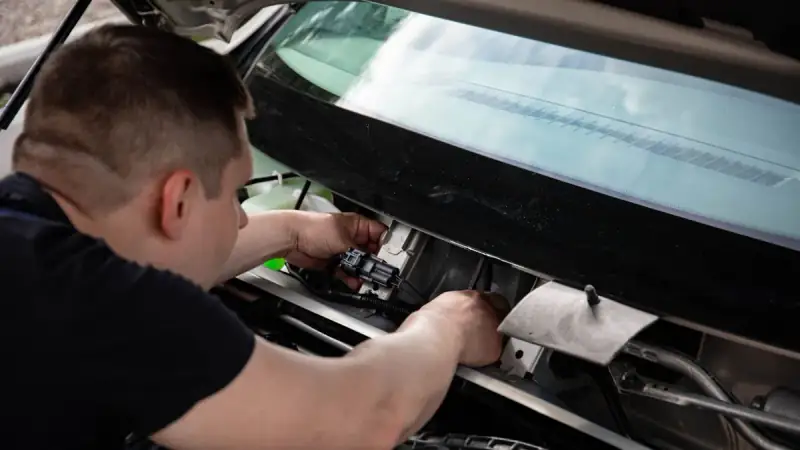
Mobile Mechanic / Hamilton
We come to your home, office or roadside anywhere in Hamilton and the surrounding areas. Get a free estimate today.
Get an instant quoteCall (555) 010-0123
Car trouble doesn't wait for a convenient time. Our team comes straight to you in Hamilton, Burlington, and Stoney Creek - no tow truck needed, no waiting room. We handle everything from routine maintenance to unexpected breakdowns, right where you're parked.
We come to you and swap out your oil and filter on the spot. It's one of the easiest ways to keep your engine running well, and you don't have to leave your driveway.
Learn more about Oil change →
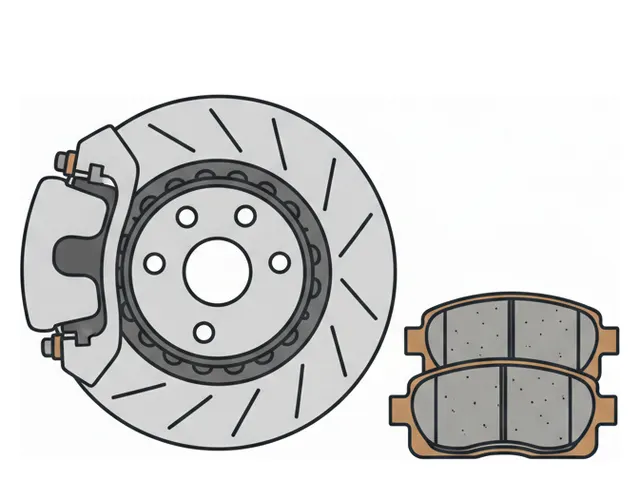
Squealing or grinding brakes aren't something to put off. We inspect your pads, rotors and calipers and replace whatever needs replacing - right at your location.
Learn more about Brake repair →
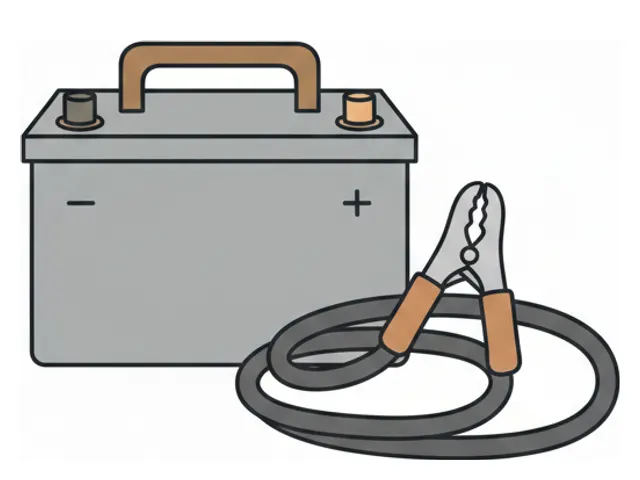
Dead battery? We'll test your charging system and swap in a new battery at your home or wherever you're stuck. No need to call a tow.
Learn more about Battery replacement →
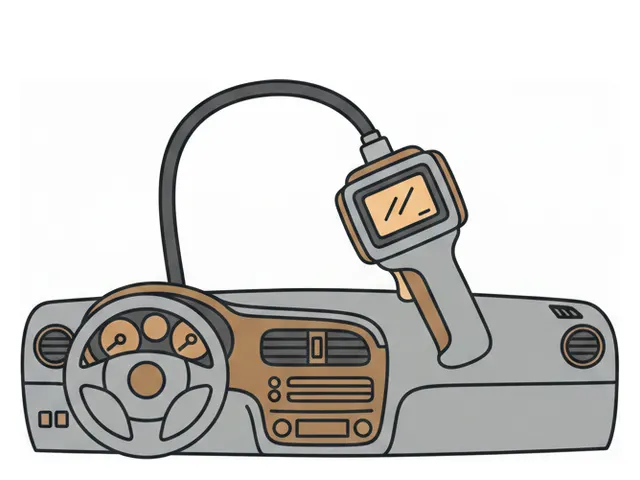
That check engine light could mean a lot of things. We plug in and read the codes, then walk you through exactly what's going on before any work starts.
Learn more about Engine diagnostics →
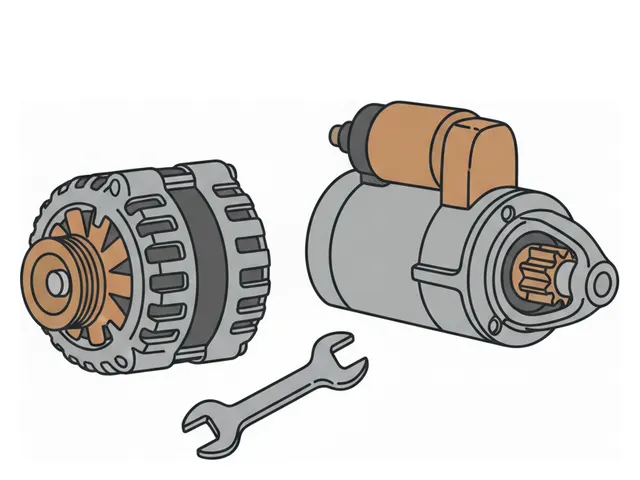
If your car won't start or keeps dying, the starter or alternator is often the cause. We carry common parts and can usually fix it same visit.
Learn more about Starter and alternator replacement →
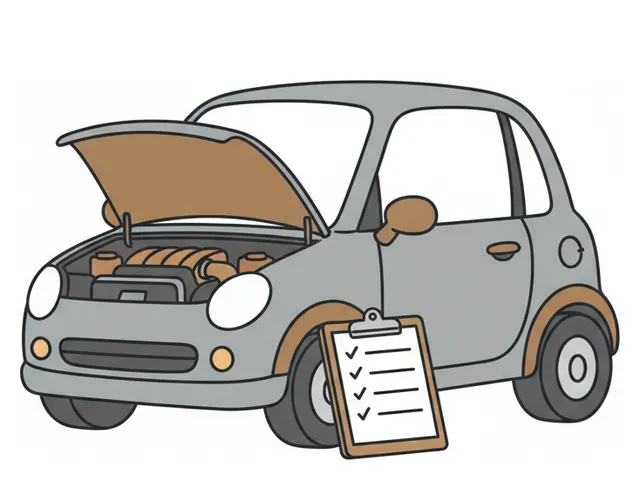
Thinking about buying a used car? We'll meet you at the seller's location and give the vehicle a thorough once-over so you know what you're getting into.
Learn more about Pre-purchase vehicle inspection →
We cover Hamilton and nearby communities in Ontario. If you're not sure whether we come to your location, just reach out and we'll confirm quickly.
You don't need to hover, but you should be reachable. We may have questions once we get a look at the vehicle. Most customers just go about their day while we work in the driveway.
Sometimes a repair needs a part we don't have on hand. We'll tell you exactly what's needed, give you a clear quote and schedule a follow-up visit once the part is in.
We work on most gas-powered cars, trucks and SUVs. Some specialty vehicles or heavy diesel equipment may be outside our scope - just let us know your make and model when you book.
They search for a mobile mechanic in their town, land on your battery or brakes page and book. The form asks what they drive, whether it starts and where it's parked.
The booking reaches your phone by text and email. A pickup that won't start in an underground garage reads very differently from an oil change in a driveway.
Each stop goes on your calendar with the time the answers added, and the day's stops are ordered to cut the miles between driveways.
Mark the stop done on My day, open the visit and send an invoice with the parts added. The customer pays by card from the email.
Someone with a car that won’t start isn’t browsing. They type “mobile mechanic Ancaster”, “battery replacement at home” or “brake repair that comes to you” into their phone, often standing next to the car. The mechanic with a page that answers that exact job in that exact town is the one who gets the booking. NearbyLead writes a page for each repair you do on the road (brakes, batteries, oil changes, starters and alternators, no-start diagnosis, pre-purchase inspections, seasonal tire swaps) and a page for each town and neighbourhood you’re willing to drive to.
Each page carries a short booking form and your own local phone number. See how the site is put together on the Launch page.
Mobile Mechanic / Hamilton
We come to your home, office or roadside anywhere in Hamilton and the surrounding areas. Get a free estimate today.
Get an instant quoteCall (555) 010-0123
Car trouble doesn't wait for a convenient time. Our team comes straight to you in Hamilton, Burlington, and Stoney Creek - no tow truck needed, no waiting room. We handle everything from routine maintenance to unexpected breakdowns, right where you're parked.
We come to you and swap out your oil and filter on the spot. It's one of the easiest ways to keep your engine running well, and you don't have to leave your driveway.
Learn more about Oil change →
Squealing or grinding brakes aren't something to put off. We inspect your pads, rotors and calipers and replace whatever needs replacing - right at your location.
Learn more about Brake repair →
Dead battery? We'll test your charging system and swap in a new battery at your home or wherever you're stuck. No need to call a tow.
Learn more about Battery replacement →
That check engine light could mean a lot of things. We plug in and read the codes, then walk you through exactly what's going on before any work starts.
Learn more about Engine diagnostics →
If your car won't start or keeps dying, the starter or alternator is often the cause. We carry common parts and can usually fix it same visit.
Learn more about Starter and alternator replacement →
Thinking about buying a used car? We'll meet you at the seller's location and give the vehicle a thorough once-over so you know what you're getting into.
Learn more about Pre-purchase vehicle inspection →
We cover Hamilton and nearby communities in Ontario. If you're not sure whether we come to your location, just reach out and we'll confirm quickly.
You don't need to hover, but you should be reachable. We may have questions once we get a look at the vehicle. Most customers just go about their day while we work in the driveway.
Sometimes a repair needs a part we don't have on hand. We'll tell you exactly what's needed, give you a clear quote and schedule a follow-up visit once the part is in.
We work on most gas-powered cars, trucks and SUVs. Some specialty vehicles or heavy diesel equipment may be outside our scope - just let us know your make and model when you book.
Every booking lands in your leads inbox and on your phone by text and email, with the service they picked, the address and the page they were reading. The form also asks three things a mobile mechanic needs: what kind of vehicle it is, whether it starts, and whether it’s in a driveway, on the street or in a parking garage. A full-size pickup that won’t start takes longer than a sedan that runs, and the answers add that time to the booking so the rest of your day isn’t squeezed.
Calls to the site’s number are answered by the AI receptionist when your hands are greasy, and the details go into the same inbox.
A mobile mechanic’s biggest waste is the drive between jobs. Every customer address is placed on the map, and each day’s stops are put in the order with the least driving, with drive times shown between them. If you run more than one van, the day view shows each mechanic side by side, and the planner can keep each one in their own part of town. See Staff & routing.
Regular work, such as oil changes every three months for a small fleet or a tire swap every spring and fall, can be saved as a recurring plan so the visits are already on the calendar.
My day on the phone lists today’s stops in order with the job details from the booking, the customer’s notes (white Civic, keys under the mat, gate code), directions and a button to report a problem. Gate and lockbox codes are shown only on the day of the visit. The mechanic taps I am here on arrival and I am done when the car is fixed. If the customer isn’t there or the part is wrong, they report it from the stop and you’re told straight away.
A customer who forgot you were coming means a wasted drive. The day before, they get a reminder with the arrival window, and they can reply to confirm. If you’re running behind, a changed window is sent as one clear message. Texts only go to customers who agreed to them, never at night on their clock, and STOP is honoured at once. More on Reminders.
Payments run through your own Stripe account. Ask for a deposit when someone books a bigger repair so you’re not buying parts on spec. When the work is done, open the visit, add the parts and labour, and Stripe emails an invoice with a pay link. Fleet customers can save a card and be charged after each service. The money goes to your account and NearbyLead takes no cut.
Yes. The booking form asks what they drive, whether it starts and where it's parked, and each answer can add time to the booking. There's also a notes box for the noise, the warning light or the year and model.
The Weather card on your dashboard flags days with heavy rain, strong wind or snow, since most of your work happens outside. You can move a stopped visit to the nearest clear day in a couple of taps, and the customer is told.
Yes. Set a deposit on any service and online bookings for it wait until the customer pays through your own Stripe account. NearbyLead adds no fee of its own.
Yes. Set a flat fee, distance bands or a per-kilometre or per-mile rate in Settings. The fee is worked out from the address the customer types and saved on the booking.
Yes. Your site gets its own local number from the day it publishes, with an AI receptionist that answers when you're under a car and takes the details for you.
Pick what you do and where. It takes about ten seconds.