Skip to content

Launch

A website that wins local work, written for your trade and town

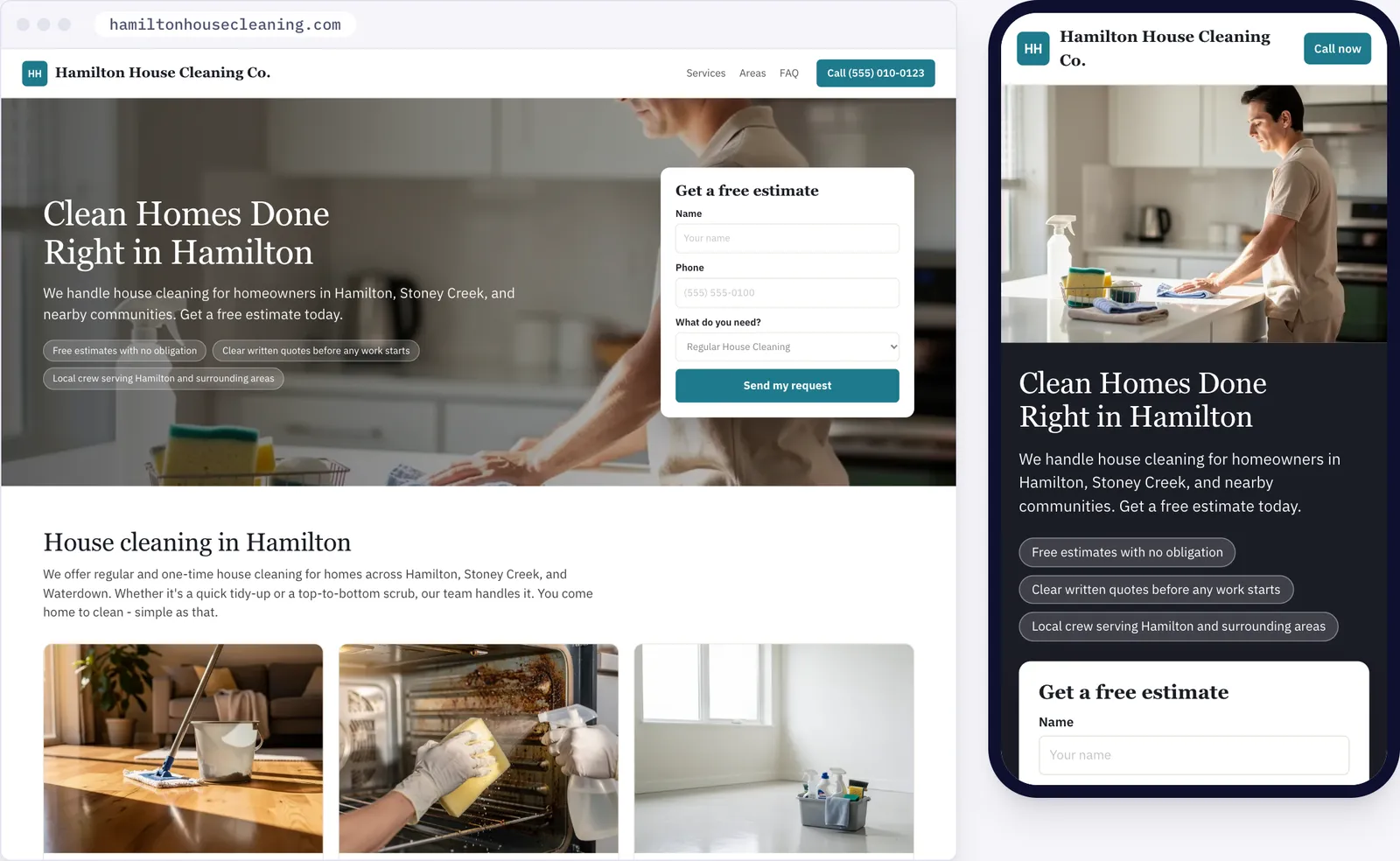
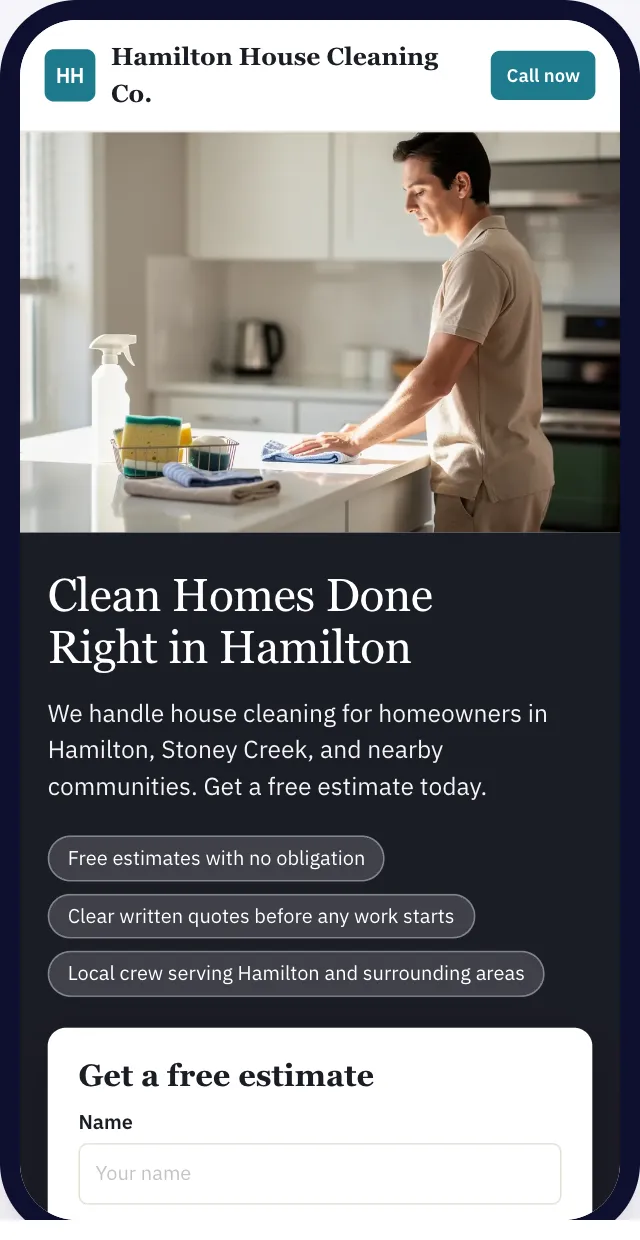
NearbyLead builds your website for you. It researches the services people in your area search for and the towns around you, writes a page for each, and adds a quote form, online booking and a local phone number. You review it, then publish.

Launch your site: Your site gets a page for each service you offer and each town or neighbourhood you cover, written for that place.

What goes into your site?

Pages for every service and every nearby area

Your site gets a page for each service you offer and each town or neighbourhood you cover, written for that place. Pages link to each other the way search engines expect, with titles, descriptions, FAQ markup and a sitemap built in.

Pages for every service and every nearby area. Your site gets a page for each service you offer and each town or neighbourhood you cover, written for that place.

A quote form that reaches you straight away

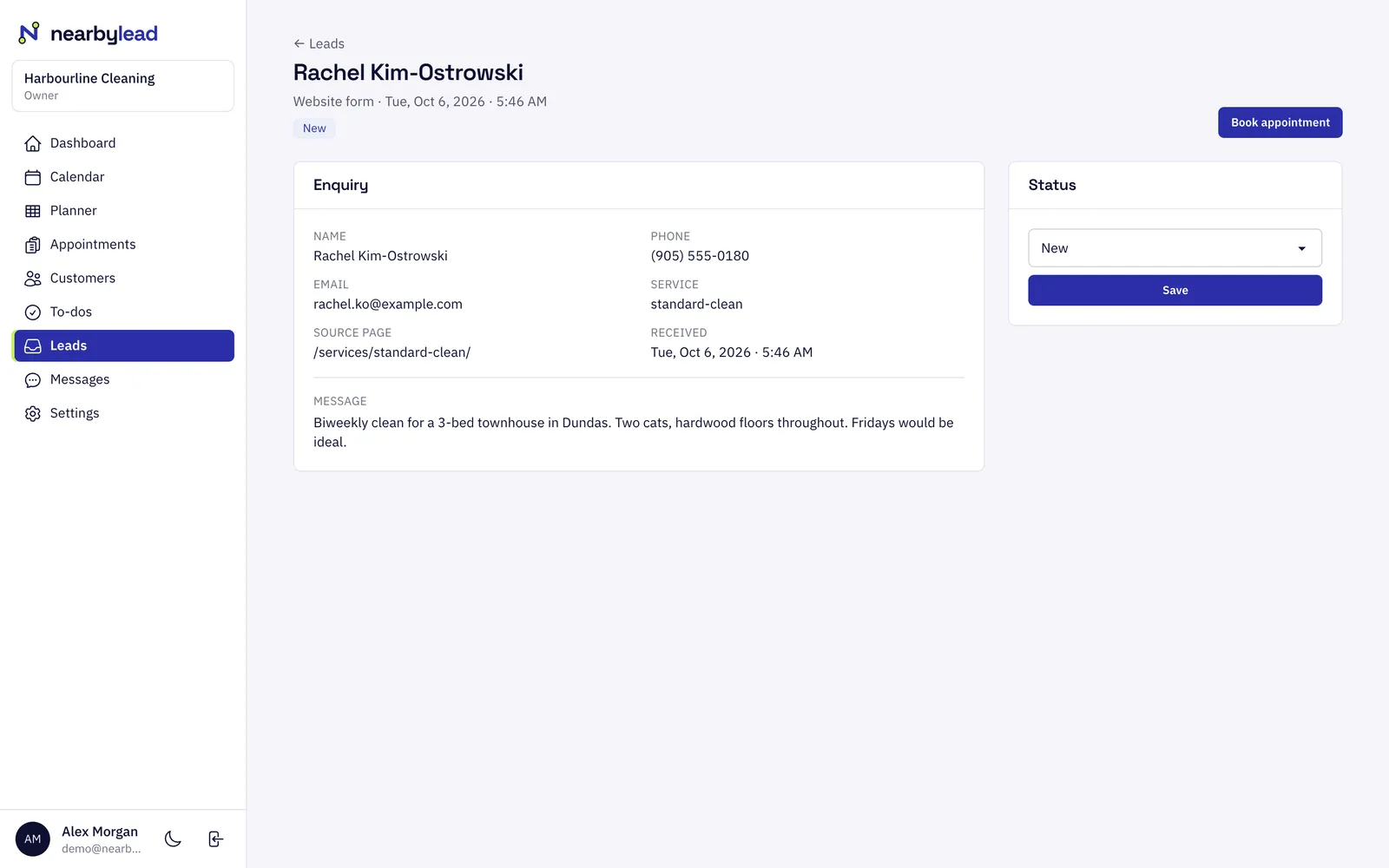
Every page has a quote form. Requests are saved to your leads inbox and sent to you by email and text the moment they arrive, with the page the visitor came from. Your site also gets its own local phone number from day one, with an AI receptionist that answers when you can't, so calls from the site are easy to tell apart and none go unanswered.

A quote form that reaches you straight away. Every page has a quote form.

Edit it yourself, publish when you're ready

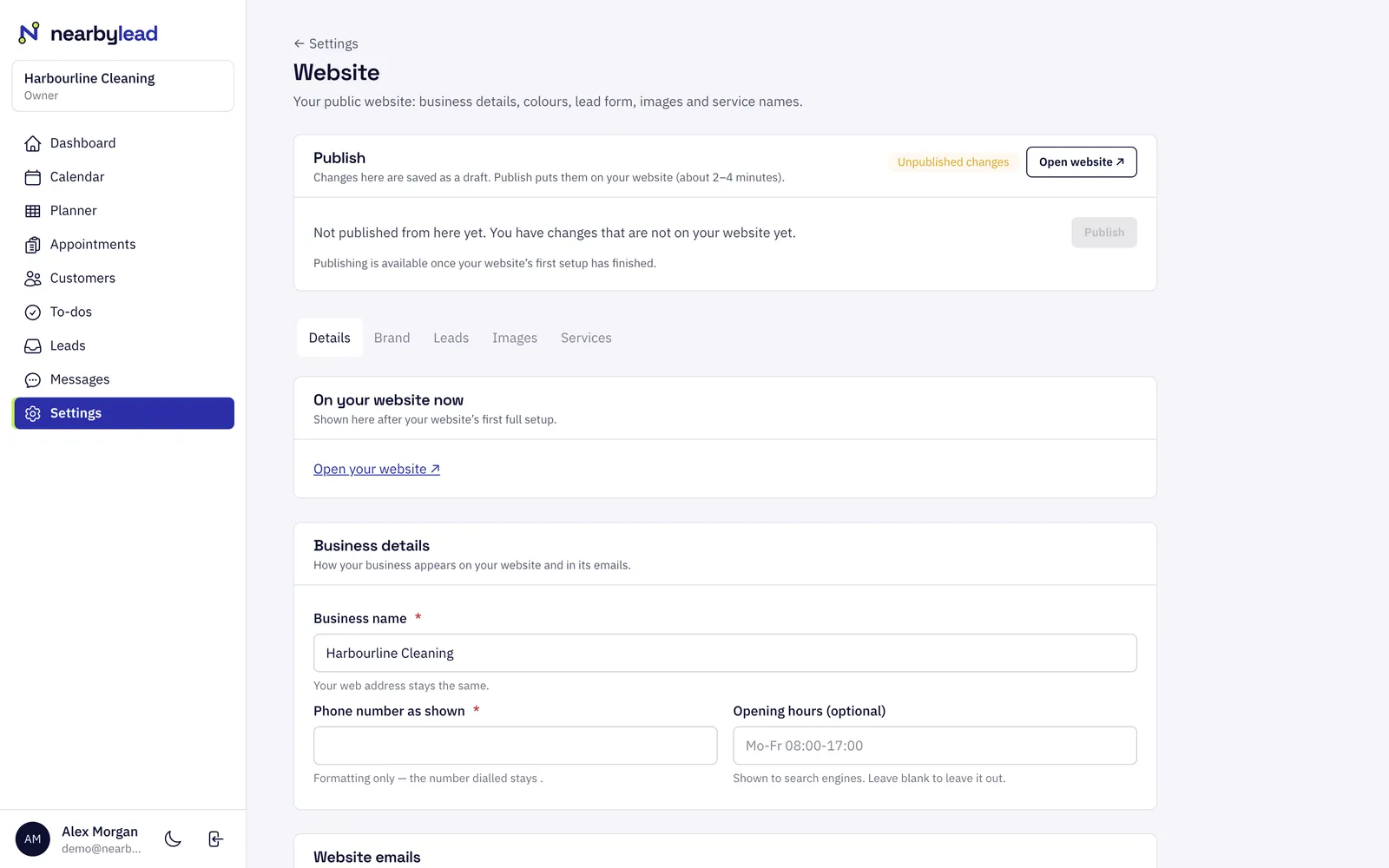
Change your business details, colours, photos and service names from Settings → Website. Changes stay as a draft until you press Publish.

Edit it yourself, publish when you're ready. Change your business details, colours, photos and service names from Settings → Website.

How does launching work?

  1. Pick your trades and city

    Tap the services you offer and type your city. You see a preview of your site straight away.

  2. Claim it with your email

    We email you a sign-in link. Setup asks a few questions about your business, with most answers filled in from your preview.

  3. Review and publish

    We research and write your pages, generate photos, then publish. We email you when the site is live.

Launch your site: questions

Who writes the copy on my site?

NearbyLead writes it for you, using research on your trade and the area you serve. Every page is written for its service or town. You can change business details, colours, photos and service names yourself in Settings → Website.

Will my site show up on Google?

Every site is built with what search engines read, including page titles, descriptions, FAQ and local business markup, a sitemap and internal links between service and area pages. Rankings depend on your market and competition, so nobody can promise a position.

Is a custom domain included?

Yes. When you subscribe, pick a new domain like yourbusiness.com (or .ca in Canada) and we register it for you, free for as long as you're a customer. That's your own address, not a subdomain of ours. Already own one? Connect it instead. During the trial your site runs on a free nearby.website address.

Do I need to write anything?

No. You answer a few questions about your business, such as hours and the area you cover. Everything else is drafted for you, and you can edit it before or after you publish.

When do I get the phone number?

As soon as your site publishes, trial included. The number is local to your area and the AI receptionist is already on it, so the first thing to do is call it yourself and hear how it answers.
See it with your own trade and city.

Pick what you do and where. It takes about ten seconds.

What services do you offer? Pick everything you do.

One site, one customer list, one schedule for everything you do — one price.